
Spend your crypto
like a black card.
KNGPay gives you premium crypto cards you top up online with USDT, USDC, BTC or XMR – turning your crypto into spendable card balance you can use worldwide with Apple Pay, Google Pay & PayPal. No KYC required.
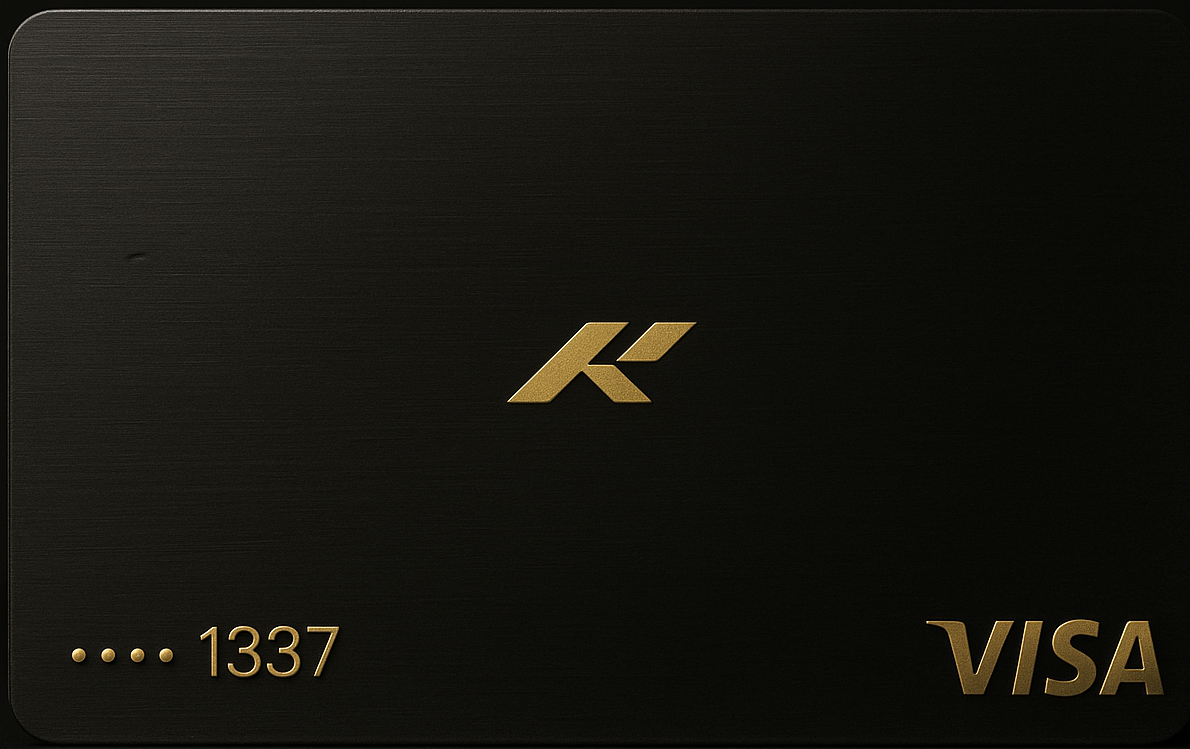
Everything your crypto should do.
KNGPay turns your USDT, USDC, BTC & XMR into a sleek crypto card experience you can use anywhere Visa is accepted. Add your card to Apple Pay & Google Pay and spend from your crypto balance.
Open the KNGPay app and create your card in seconds. Telegram is also available as a second option.
Add your card to Apple Pay or Google Pay for tap-to-pay. You can also add your KNGPay card to PayPal and pay on any site that supports PayPal by selecting the card as your payment method.
Deposit with USDT (ERC20/TRC20), USDC (ERC20), native BTC, or XMR. We generate a unique precise amount so your payment is matched when it lands on-chain, making it simple to convert your crypto into spendable card balance.
Use KNGPay for ads, SaaS, subscriptions, e-commerce and more – anywhere online that accepts Visa cards and virtual debit cards.
How it works.
From first click online to a loaded balance – usually just a few minutes. A simple flow to top up with crypto and spend worldwide.
Go to kngpay.com/app to get started and order your card online. Telegram is available as a backup option.
Enter the final balance you want on your card in USD. The app calculates fees and shows the exact crypto amount to send.
Send the precise amount to the address shown. Once confirmed on-chain, your balance is loaded and ready to spend like any other Visa card.
Pricing.
Simple fees with transparent breakdown before you pay. No KYC required.
Virtual Card
- One-time card issue fee: $15
- Deposit fee: 5%
- Min load: $50
- Max load: $100,000
- Apple Pay & Google Pay supported
- No KYC
FAQ.
A quick overview of fees, limits and refunds. For full terms, open the app or use Telegram support.